
IPTV Malta Device Compatibility — Stream on Any Screen You Own
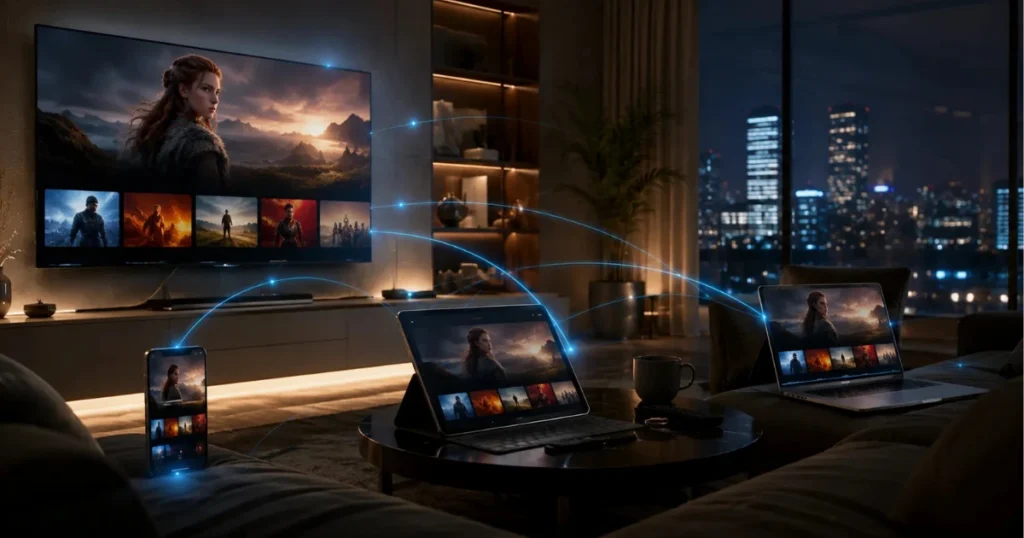
Getting started with IPTV Malta 4K does not require buying new hardware. Whether your household watches on a Samsung Smart TV in the living room, a Fire Stick in the bedroom, or an iPhone on the go, one subscription covers every screen you already own.
This page explains exactly which devices are supported, which IPTV apps work best on each one, and how to get set up quickly. If you have a question about a specific device before purchasing, our Support team is available around the clock.
Watch IPTV Malta on Your Favourite Devices
One subscription. Every device your household uses.
IPTV Malta 4K is built around the reality that modern households do not watch television from a single screen anymore. A subscription gives you access to 20,000+ live channels, 120,000+ movies and series, full EPG TV guides, and catch-up TV — across every device listed on this page.
Setup is straightforward on every supported platform. Most customers are streaming within fifteen minutes of completing their purchase. For full step-by-step setup instructions, visit our Installation Guide.
Amazon FireStick & Fire TV
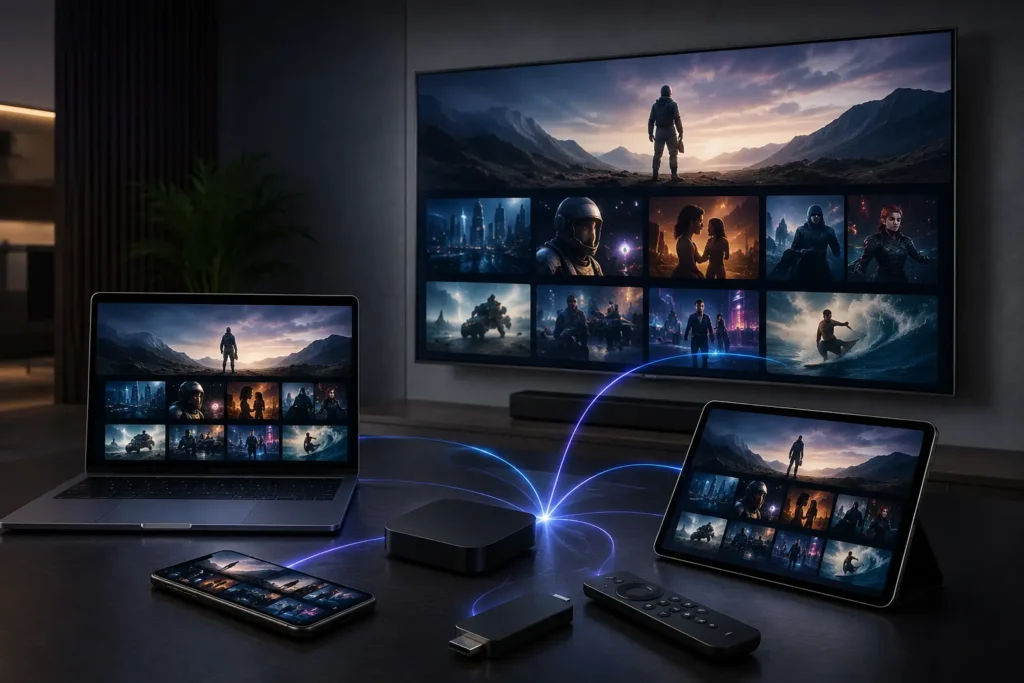
The Amazon Fire TV Stick is one of the most widely used devices for IPTV Malta streaming, and for good reason. It is affordable, widely available in Malta, and turns any television with an HDMI port into a full smart streaming device.
Setup requires enabling installation from unknown sources in the Fire Stick settings — a one-time step that takes under two minutes. From there, install your preferred IPTV player from our Recommended Applications section below, enter your credentials, and the channel list loads automatically.
The Fire Stick 4K model supports 4K HDR output, making it the preferred choice for viewers who want the sharpest picture quality available. The standard Fire Stick and Fire TV Cube are both fully compatible.
Best for: Viewers who want a dedicated, affordable streaming device connected directly to their TV. Visit amazon.com/fire-tv for Fire Stick hardware options.
Samsung Smart TV
Samsung Smart TVs from 2016 onward support IPTV Malta 4K through compatible apps available in the Samsung App Store. No additional hardware is needed — the television itself handles everything.
The setup process involves locating a compatible IPTV player in the Samsung App Store, installing it, and entering your subscription credentials. Most Samsung Smart TV users complete setup in under ten minutes without any technical background.
Picture quality on Samsung panels with Full HD and 4K resolution takes full advantage of the HD, Full HD, and 4K streams available in the Malta IPTV 4K lineup. The combination of a Samsung 4K panel and a stable broadband connection in Malta delivers a noticeably sharp picture across live TV and VOD content.
Best for: Households that prefer everything built into the television without a separate streaming device. For Samsung TV information, visit samsung.com.
Android TV Box
Dedicated Android TV boxes offer a flexible and cost-effective way to add smart streaming capability to any television with an HDMI port. Popular brands including Nvidia Shield, Xiaomi Mi Box, and a range of other Android boxes are fully compatible with IPTV Malta 4K.
Android boxes typically run full Android TV or standard Android, giving access to the same app ecosystem as Android TV sets. IPTV player installation goes through the Google Play Store or, for devices running standard Android, through direct APK installation.
The Nvidia Shield TV Pro is frequently used by viewers who prioritise streaming stability and 4K HDR performance on an Android box platform.
Best for: Viewers who want to add a capable streaming device to an existing television without replacing the TV itself.
Apple TV
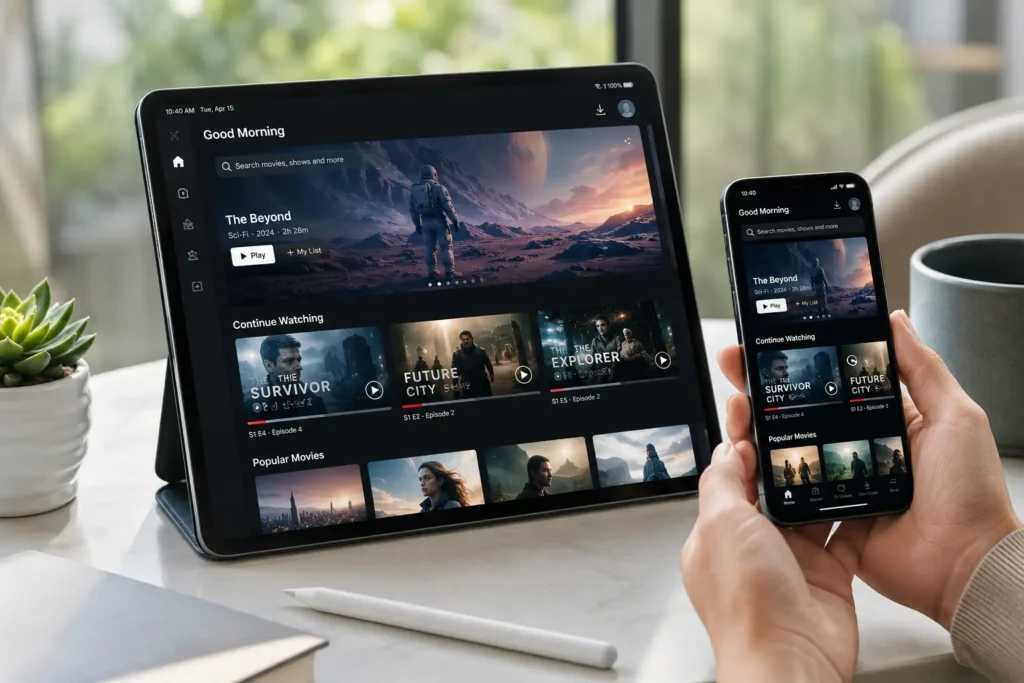
Apple TV (4th generation and later, including all Apple TV 4K models) supports IPTV Malta 4K through compatible IPTV player apps available on the Apple App Store. The tvOS platform is fully supported and the setup experience on Apple TV is clean and straightforward.
Apple TV 4K in particular is worth highlighting for viewers who prioritise picture quality — paired with genuine 4K streams from IPTV Malta 4K and a 4K HDR television, the output quality is excellent. Apple TV hardware information is available at tv.apple.com.
For customers already in the Apple ecosystem — iPhone, iPad, and Mac — Apple TV provides a consistent experience across all their devices with a single Apple ID.
Best for: Apple ecosystem users who want a dedicated premium streaming device connected to their main television.
MAG Box
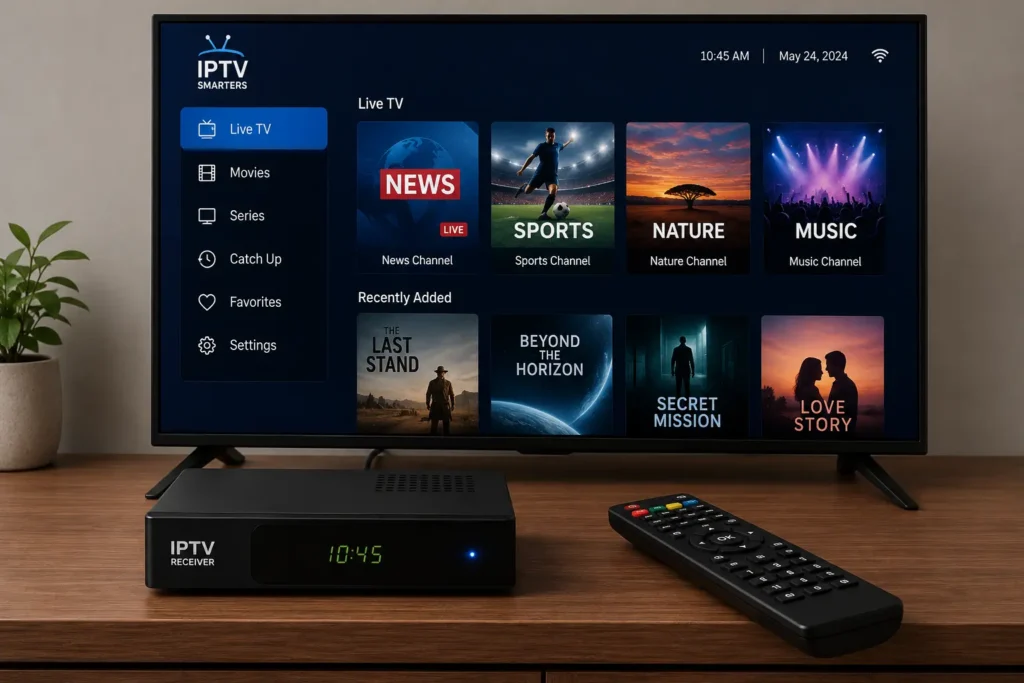
MAG boxes are dedicated IPTV set-top boxes widely used by IPTV subscribers across Europe, and they are fully compatible with IPTV Malta 4K. MAG devices run a Linux-based operating system purpose-built for IPTV delivery, which gives them a reputation for stable, consistent performance.
Setup on a MAG box involves configuring the portal address through the device’s system settings — a process that differs from app-based IPTV setup on other devices. The Installation Guide covers MAG box configuration step by step.
Popular MAG models including the MAG 322, MAG 324, MAG 410, and MAG 520 series are all supported. Customers with an existing MAG box do not need to purchase new hardware.
Best for: Viewers who want a dedicated hardware IPTV device with a straightforward remote-based interface.
Recommended IPTV Applications
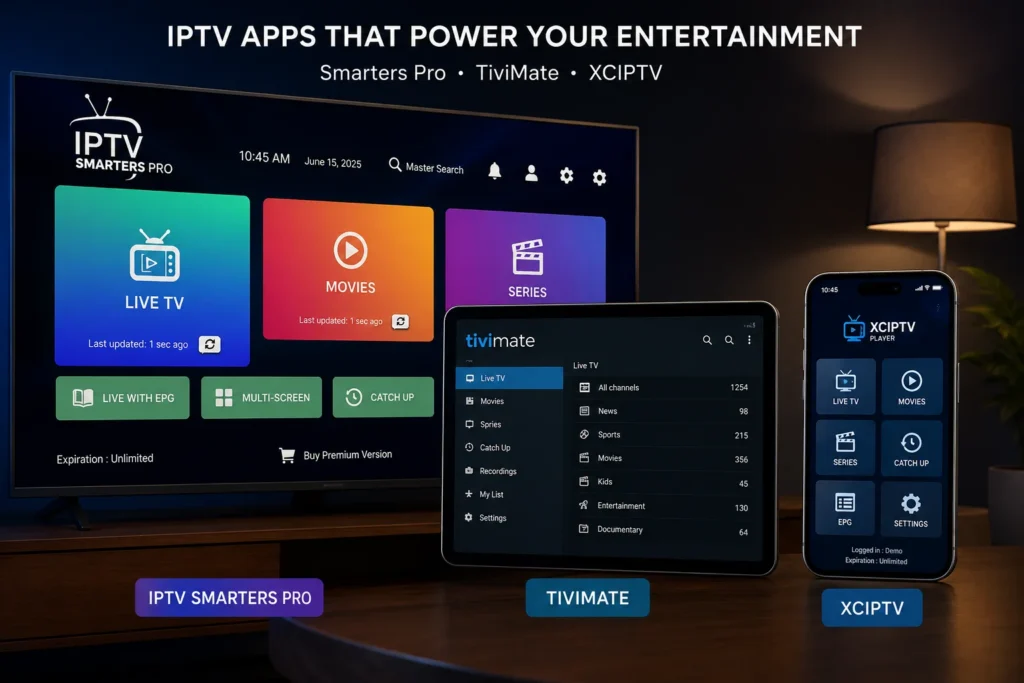
IPTV Malta 4K is compatible with a range of third-party IPTV player applications. The right choice depends on your device and personal preference — no single player is required, and all the options below deliver the core functionality of live channels, VOD access, and EPG guide display.
Availability varies by platform. Not every app listed below is available on every device. Our Installation Guide specifies which players are recommended for each device type.
IPTV Smarters Pro
A widely used IPTV player available on Android, iOS, and Amazon Fire Stick. Supports Xtream Codes login and M3U playlist import. Clean interface with EPG and catch-up support.
TiviMate
Highly regarded among Android TV and Fire Stick users for its polished interface and reliable performance. Supports multiple playlists and offers a premium upgrade version with additional features.
XCIPTV
Available on Android and Android TV. Offers a modern interface with Xtream Codes and M3U support, EPG display, and VOD library browsing.
IBO Player
Compatible with Android, Android TV, and Amazon Fire Stick. Clean interface with straightforward credential entry and playlist management.
Smart IPTV
Available on Samsung Smart TVs and LG Smart TVs directly through their app stores. A practical option for Smart TV users who want built-in television compatibility without additional hardware.
HOT IPTV
Compatible with select Smart TV platforms and Android devices. Offers M3U and Xtream Codes support with EPG integration.
SET IPTV
Available for Samsung and LG Smart TVs. Allows playlist configuration directly through the television without additional streaming hardware.
For guidance on which application best suits your specific device, contact our Support team or visit the Installation Guide for device-specific recommendations.
Start Watching on Your Favourite Device Today
Your devices are already compatible. The only step remaining is choosing the plan that suits your household.
IPTV Malta 4K gives you 20,000+ live channels, 120,000+ movies and series, full EPG TV guide, catch-up TV, and HD through 4K streaming quality — across every device covered on this page. One subscription. Every screen you own.
Plans start from €32.99 for three months. The six-month plan at €45.99 is the most popular choice for households in Malta making the switch from cable or satellite for the first time.
View Subscription Plans
Get Started Now
Contact Support for Device Help
If you have a question about a specific device before purchasing, our Support team is available 24/7 and will confirm compatibility and walk you through setup before you commit to a plan.
Visit our FAQ page for answers to common questions, or browse the Blog for streaming guides and IPTV Malta setup tutorials.
Secure checkout. Instant activation. No contracts. Refund policy available — see our Refund Policy page for full terms.